EN
EN
What Data Can Smart Lawn Mower Robot Collect During Operation?
A robot lawnmower can make mowing more predictable by turning a moving machine into a stream of operational signals. But “smart” does not automatically mean that every model collects every kind of data, or that all information leaves the mower. The useful question is more specific: what does this model sense, what does it store, what does its app transmit, and what controls can the owner use?
From a technical-explainer perspective, it helps to separate sensing from sharing. A mower may use a sensor reading for a split-second steering decision without uploading a recording. Another model may send selected diagnostics to a service platform when a fault occurs. Those are different data flows, so they deserve different checks before a robot lawnmower is connected to a home or work-site network.
Why a Smart Lawn Mower Robot Collects Data
Data supports a job, rather than existing for its own sake. A smart lawn mower robot needs some combination of location, boundary, obstacle, and operating information to stay in the intended area, choose a route, return to charge, report faults, and respond to the app. Wireless models can use satellite positioning, local reference signals, cameras, bumpers, ultrasonic sensors, wheel feedback, or other sensors. The exact package depends on the model and installed options.
It is tempting to assume that location is the whole story. More accurately, location is one input among several. A mower also needs evidence about whether it is moving, cutting, stuck, charging, tilted, outside a permitted zone, or facing an obstacle. If the site has slopes, trees, narrow passages, or changing grass conditions, the relationship between those signals and the mower’s route can matter as much as the map itself.
Common Operational Data Categories
1. Position, route, and boundary data
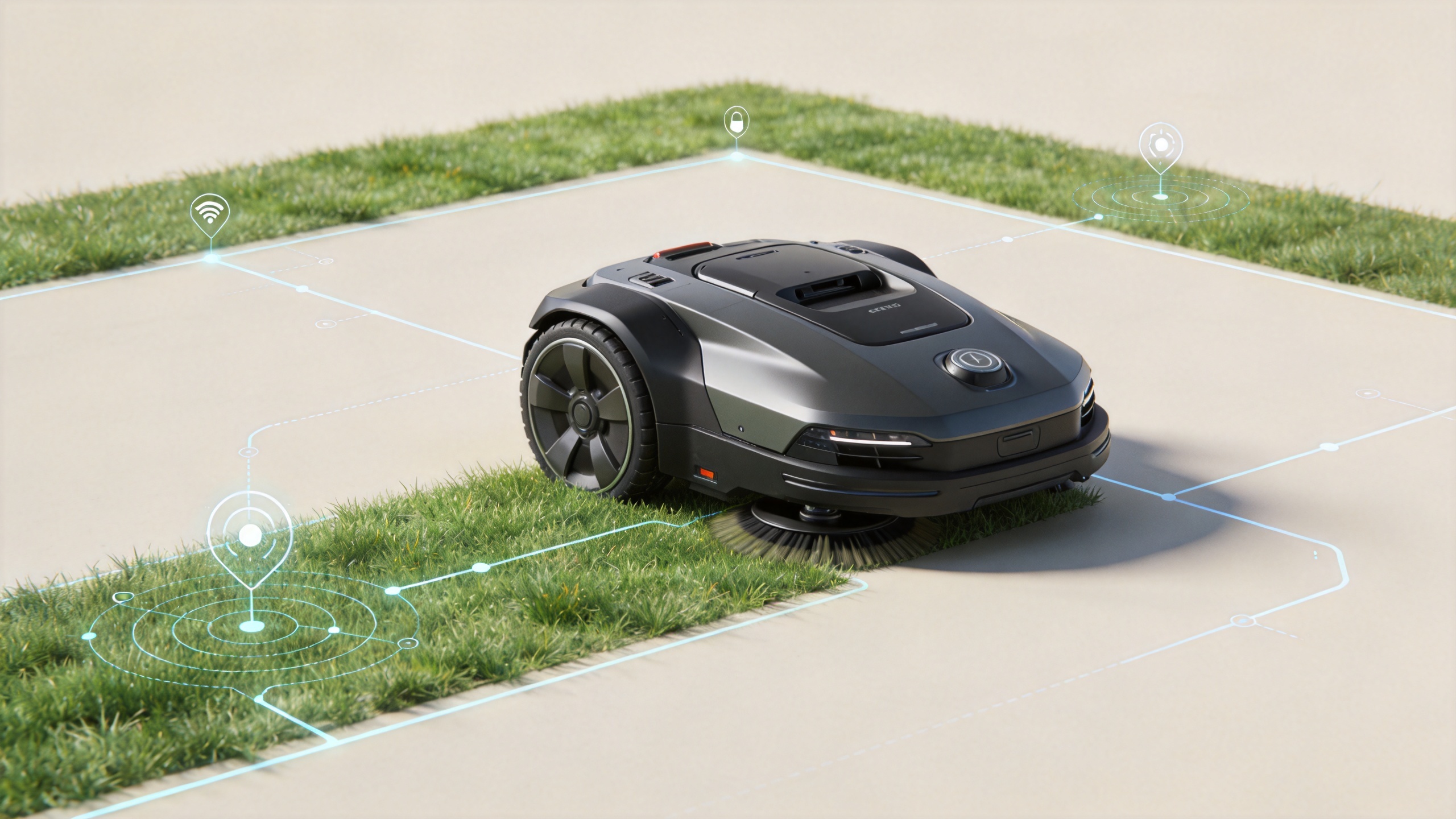
A connected robot lawnmower may create a work-area map, virtual boundaries, no-go zones, route history, and a last-known location. These records can support scheduled mowing, multi-zone management, return-to-base navigation, and anti-theft features. Depending on the design, some mapping may be retained locally on the machine or phone, while some may synchronize with an account service. One published manufacturer policy describes location inputs used for navigation, virtual boundaries, and anti-theft functions; another model may use a different design and disclosure.
For a commercial site, route history can also reveal practical details about access paths, field layout, and operating times. Treat it as site data, not merely as a convenience setting.
2. Motion, cutting, and machine-health telemetry
Typical telemetry can include battery state, charging cycles, motor load, blade or cutting-system status, wheel movement, speed, tilt, temperature alerts, signal quality, docking events, error codes, and run time. A smart lawn mower robot can use these signals to pause safely, request attention, help a technician diagnose a fault, or improve a maintenance schedule.
These signals do not necessarily identify a person, but they can show when and how the robot lawnmower was used. A vendor’s policy may describe whether telemetry is stored only in the device, displayed in an app, sent during support, or routinely synchronized for service improvement. Do not infer that a feature is present from a product category alone; verify the manual and privacy notice for the exact model and region.
3. Environment and obstacle observations
Obstacle avoidance may rely on a bumper, ultrasonic sensor, radar, LiDAR, or vision sensor. The resulting information can describe obstacle events, working and off-limit areas, satellite-signal conditions, or whether the mower encountered a situation it could not classify. A camera-equipped robot lawnmower creates the clearest privacy question because visual information may include parts of a yard, driveway, or nearby people.
Here, ask two separate questions: is visual processing performed on the device, and under what event conditions can images or clips be transmitted? One published manufacturer disclosure says some vision processing is on-device by default and describes optional anonymous data collection after certain fault events. That is useful as an example of the questions to ask, not as a claim about every smart lawn mower robot.
4. App, account, and connection data
When owners use an app, the service may process account details, device identifiers, firmware version, command history, notification preferences, IP address, Bluetooth connection information, Wi-Fi or cellular status, and app location permissions. These records make remote control, alerts, updates, and support possible. They can also create more data exposure than a mower that operates entirely offline.
Read app permission prompts closely. A phone’s location permission may enable nearby-device setup or map functions, but it can sometimes be limited or disabled. The trade-off is functional: disabling a permission may reduce remote monitoring, anti-theft tracking, or map-related features.
What Is Usually Not Safe to Assume
Do not assume a robot lawnmower continuously records video, uploads every route, shares data with advertisers, or can work with no cloud connection. Each of those statements can be true, false, or partly true according to model configuration, software version, country, and account settings. Privacy labels and policies can change after firmware or app updates, so review them again when a major update introduces new connected functions.
Likewise, do not mistake a sensor for a cloud service. A local bumper event is not the same thing as a remotely stored incident log. The first may be essential to safe steering; the second should be explained in the vendor’s documentation.
A Practical Data Review Before You Connect the Mower
- List the features you actually need. Decide whether you need virtual boundaries, remote status, theft tracking, multi-zone schedules, or only autonomous mowing. Fewer connected features can mean fewer data flows to manage.
- Check the model-specific privacy notice and manual. Look for data categories, purpose, retention, processors, regional transfers, and the difference between on-device and cloud processing.
- Review sensor disclosures. If the mower has a camera or advanced obstacle detection, ask whether image data is stored, uploaded after errors, or processed locally by default.
- Inspect app permissions and account controls. Confirm which permissions are optional, how to revoke consent, how to export or delete account data, and whether diagnostic sharing can be disabled.
- Secure the operating setup. Use a unique account password, enable available multi-factor authentication, keep firmware current, and use a trusted Wi-Fi network. For shared sites, limit account access to people who need it.
- Plan for service and ownership changes. Before selling, transferring, or returning a robot lawnmower, remove it from the account, clear maps if the documentation supports it, and reset credentials according to the manufacturer’s instructions.
Questions to Put to a Supplier or Manufacturer
- Which data stays on the mower, which stays on the phone, and which is sent to a cloud service?
- Does the smart lawn mower robot use a camera, and are visual records ever uploaded?
- Which diagnostics are sent automatically, and can the owner opt out of nonessential sharing?
- What information appears in route history, fault logs, and anti-theft tracking?
- How long is each category retained, and how can an owner request deletion or transfer?
- What account, firmware, and network-security measures are supported?
The Bottom Line
A robot lawnmower may collect location, boundary, machine-health, obstacle, and app-related data to make autonomous mowing safer and easier to manage. The important distinction is not simply whether data exists; it is where it is processed, why it is retained, who can access it, and what settings the owner controls. Put the machine back into its real operating context: a small private lawn, a shared property, and a managed work site have different privacy and access expectations.
Before choosing a smart lawn mower robot, compare the technical documentation as carefully as the cutting and navigation features. A clear answer about data flows, local processing, diagnostics, and account controls is a useful sign that the connected features can be evaluated on practical terms rather than assumptions.